.svg)
Last modified:
Configure operating parameters for every battery unit. These are required to calculate battery KPIs:
-
Nominal capacity is required for the FCE and Availability KPI. See FCE/Full cycle equivalent KPI for battery units and Availability KPI for battery units.
-
Min and max operating voltages are required for the availability KPI. See Availability KPI for battery units.
Prerequisites
-
The technology VCOM Battery Monitoring is activated. See Activate VCOM Battery Monitoring.
-
User group technical customer or higher
Steps
-
At SYSTEM LEVEL , go to


-
In the overview table, the system’s battery units of all hierarchy levels are listed.
-
Configure the units' operating parameters:
-
A single parameter of one unit: Hover over a single value in the respective parameter column. Select the appearing

Enter. -
All parameters of one unit: Select

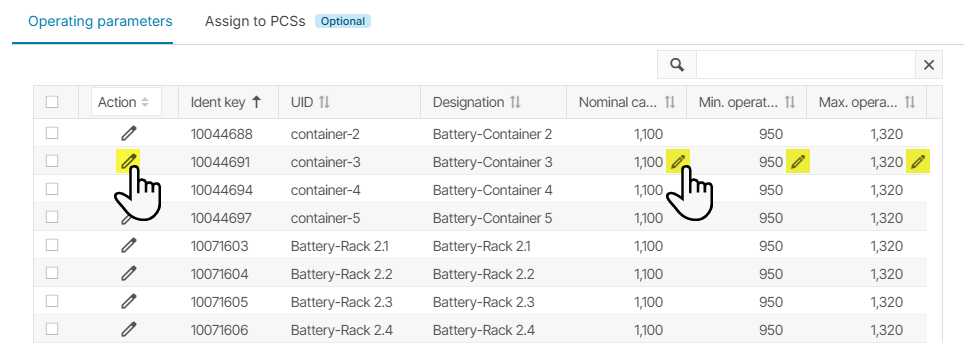
Edit a single or all parameters of a battery unit. -
All parameters of multiple units: Select the checkboxes for all battery units that should be configured with the same values. Then select Edit in the Action dropdown. In the appearing window, enter the desired value(s). You do not have to configure all parameters, but only the ones that should be the same for all selected units. If you do not enter a value for a parameter, the currently existing values for the individual units remain unchanged. Select
-
Parameter configurations are applied and KPIs are calculated with the new values.