.svg)
Last modified:
Under 

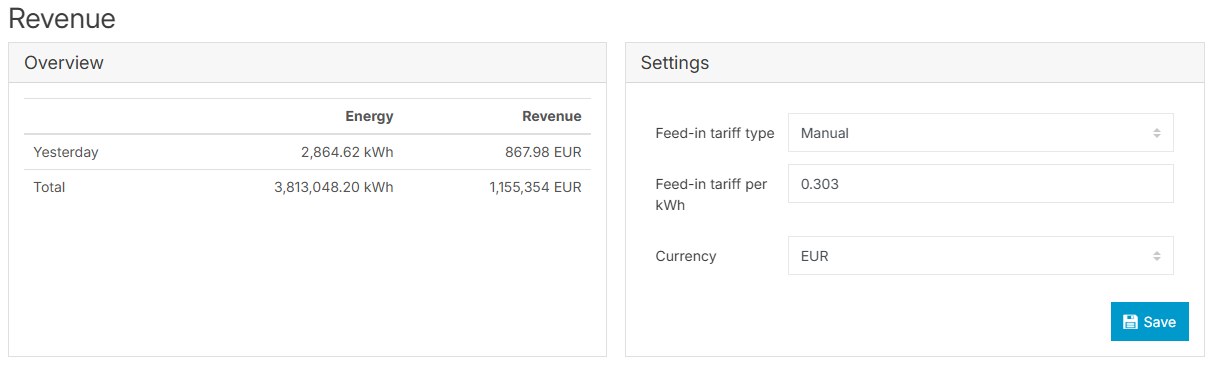
In the Settings area, you can enter the tariff (revenue, remuneration) per kWh of your system as well as the currency. If your currency is not listed, please get in touch with Sales at sales@meteocontrol.com.
You can also set up the feed-in tariff type.
-
Feed-in tariff type “manual”: your system is always paid the same price per kWh.
-
Feed-in tariff type “flexible”: you can set up different prices per kWh during different periods of the year, for example, in the case of price fluctuations.
Configure flexible feed-in tariffs
Prerequisites
-
You are paid different prices per kWh depending on time, etc.
-
You must have all remuneration information on hand dating from the initial setup of your system to the present day.
Steps
-
At System level , go to
-
Select Flexible from the dropdown and select Manage feed-in tariff.
-
Select + New new feed-in tariff.
-
Select the start date and enter a feed-in value per kWh.
-
Confirm all your inputs with

The tariff is now applied from the start date.