.svg)
Last modified:
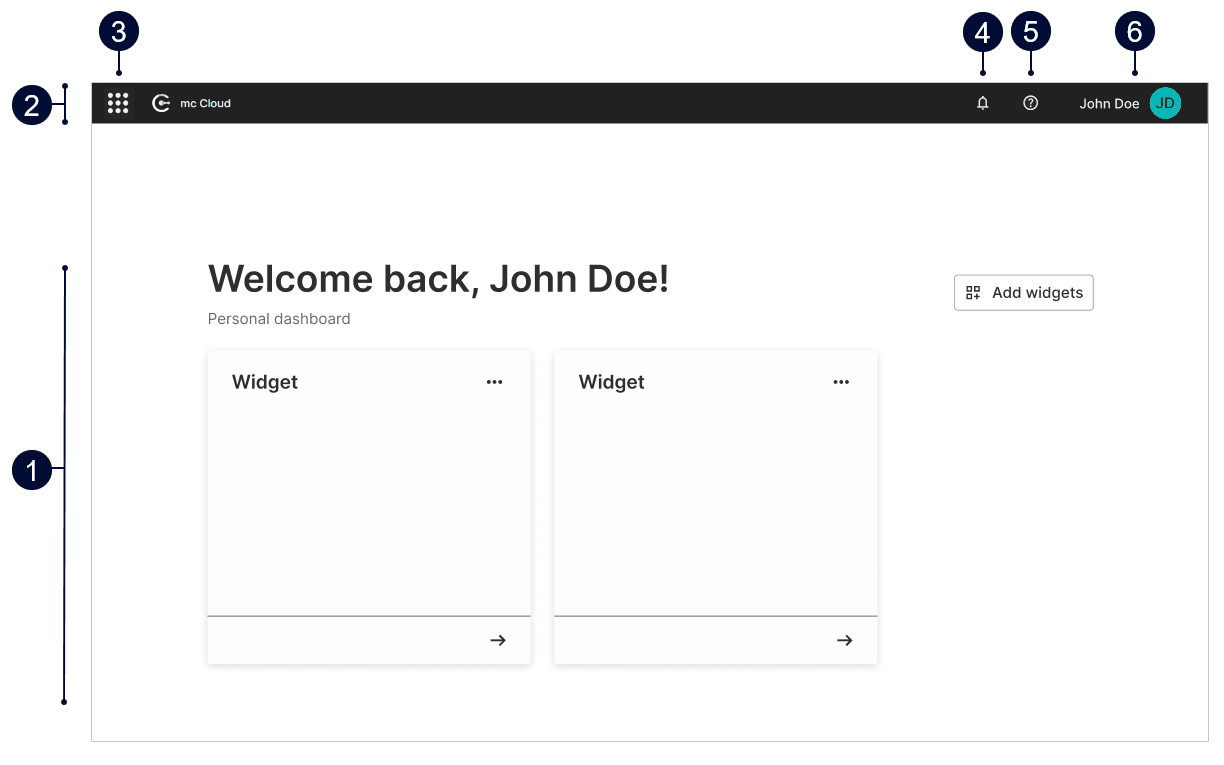
Learn more about the basic structure and settings of the portal.
|
Name |
Detail |
|
|---|---|---|
|
1 |
Dashboard |
Display and manage all your preferred widgets. See Dashboard and widgets. |
|
2 |
Top bar |
Get quick access to basic settings and information. |
|
3 |
|
Access all your meteocontrol applications. See also Application access. |
|
4 |
|
|
|
5 |
|
The help menu includes:
|
|
6 |
|
The avatar’s menu includes:
|