.svg)
Last modified:
Learn more about the different groups of applications and the displaying of and access to them.
Applications list
In mc Cloud, you can only see the meteocontrol applications that your organization subscribed to. It is possible that you can not access all of these applications, as your organization’s user manager or admin will grant you access to them separately. As an admin, you can access all of your organization’s applications.
Tip
Contact your organization’s user manager to be granted access to more of your organization’s applications.
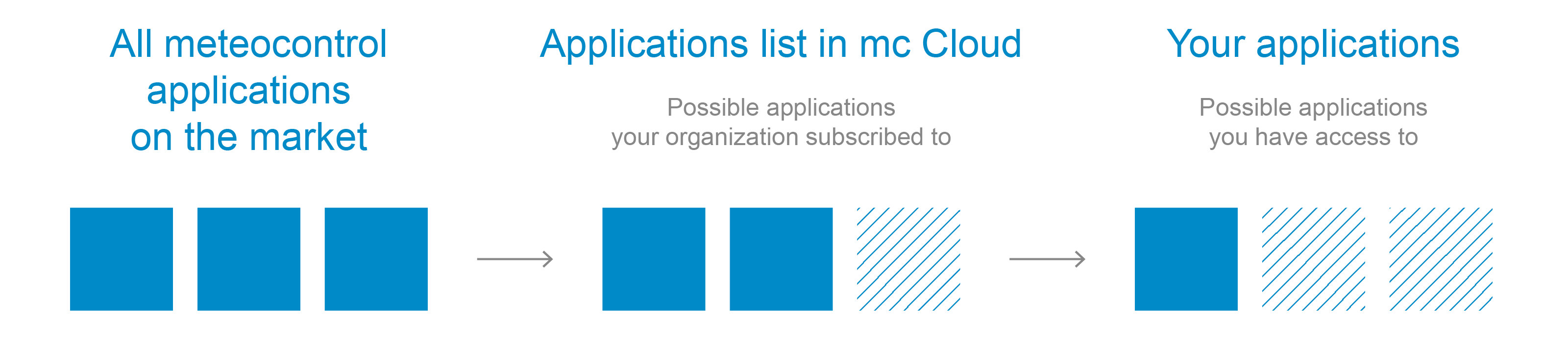
Display your organization’s applications
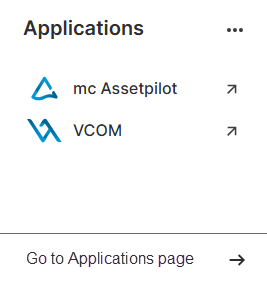
All your organization’s applications are listed here:
-
In the Applications widget on your dashboard.
-
In the

-
On the Applications page. To get there, you have two options:
-
Select Go to Applications page in the footer of the Applications widget.
-
Or select your avatar in the top bar, then select


-
Display access information
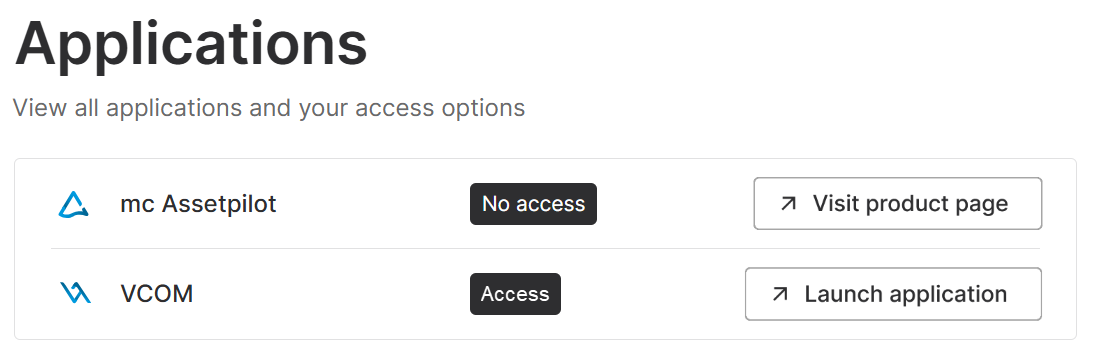
Additionally, you can find detailed access information on the Applications page:
-
Access: You are granted access to this application. Therefore you can launch it directly from mc Cloud.
-
No access: You do not have access to this application. Therefore you can only learn more about it by visiting its product page on the mc website.
Further action