.svg)
Note
This product has been discontinued and is no longer maintained.
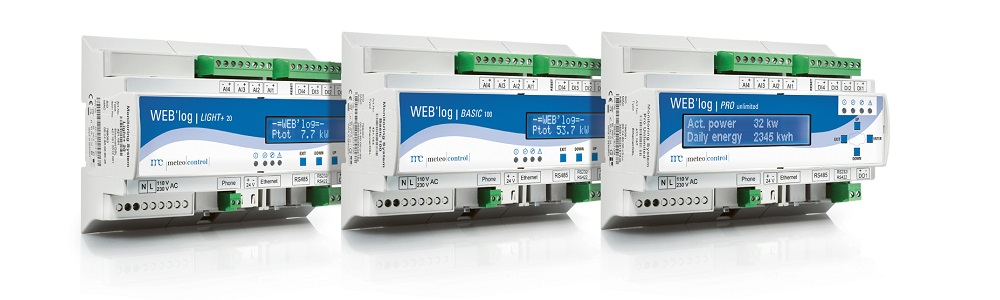
To search for inverters, please proceed as follows (WEB'log web interface):
-
Determine the manufacturer of the inverters to be scanned, or the type of inverter.
-
Use this link to check if the WEB'log supports the inverter manufacturer or type.
-
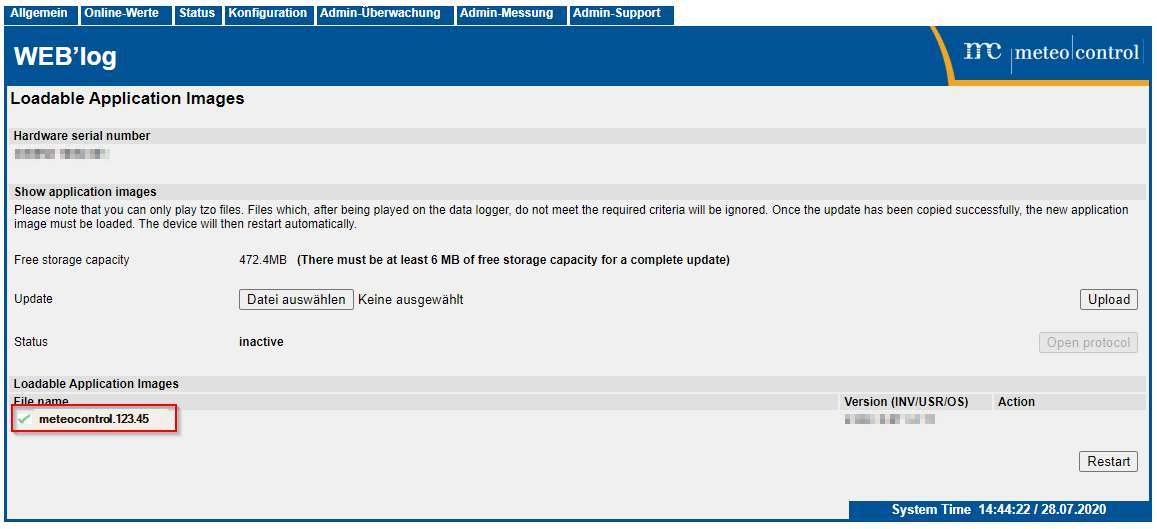
Check whether the correct driver is available on the data logger.
Under Admin-Support -> Application Manager -> "Loadable Application Images" area you can see the manufacturer:
-
Determine which protocol the inverters use to communicate (RTU or TCP).
-
Check or set the communication settings including the address on the inverter.
-
Establish the bus cabling between the inverter and data logger (RS485 or Ethernet).
-
Scan for the inverter:
-
Proprietary protocol (under Admin measurement -> Inverter)
-
TCP (under Admin measurement -> Inverter)
-
Modbus Protocol
-
Select the WR type under Admin measurement -> Modbus devices -> General configuration -> Area "Available device types".
-
Enter and scan the address range under Admin measurement -> Modbus devices -> Device configuration under "Scan for serial devices".
Then assign the types to the address.
-
-
-
Under Online values -> Inverter details you can now check the values of the inverter.