.svg)
Note
This product has been discontinued and is no longer maintained.
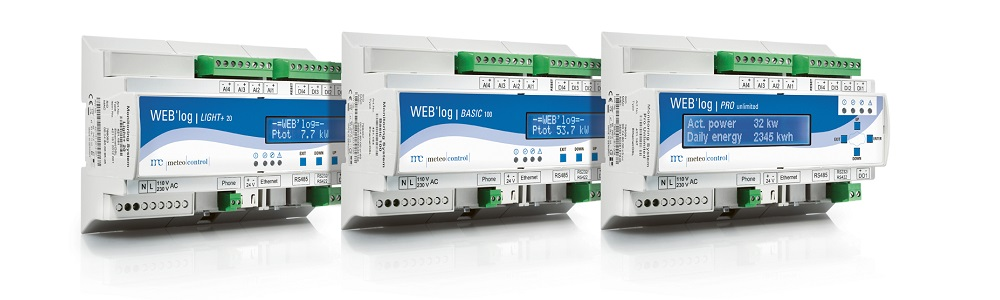
To search for Modbus sensors via RS485, please proceed as follows (Weblog web interface).
First determine the manufacturer / type of the Modbus sensor
Use the device connection diagram to check whether the WEB'log supports the corresponding sensor -> WEB'log - Manual + Device Connection Plans (PDF)
Determine the communication settings including the address of the sensor.
If the sensor was obtained from meteocontrol, you will find a corresponding label with the communication settings (address / baud rate / parity / number of data bits) on the device.
Establish the bus cabling between the sensor and the data logger. The weblog provides two communication interfaces RS485 (on the left) and RS422 (on the right)
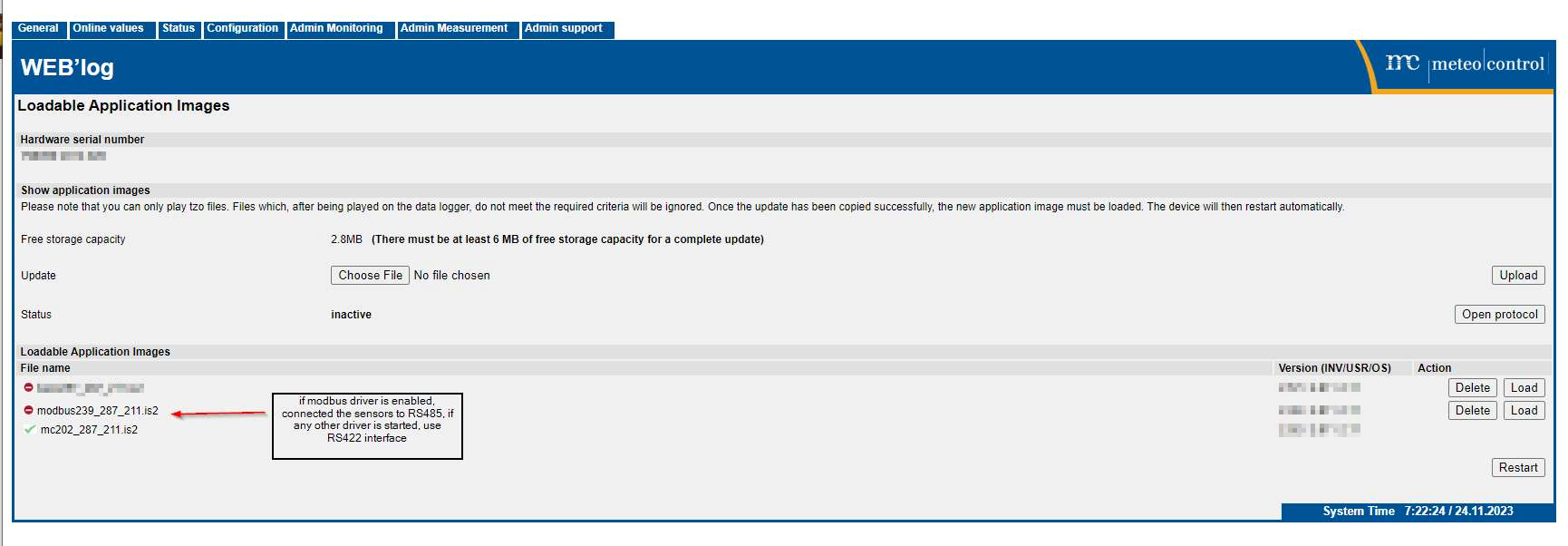
RS422 connection for none modbus driver
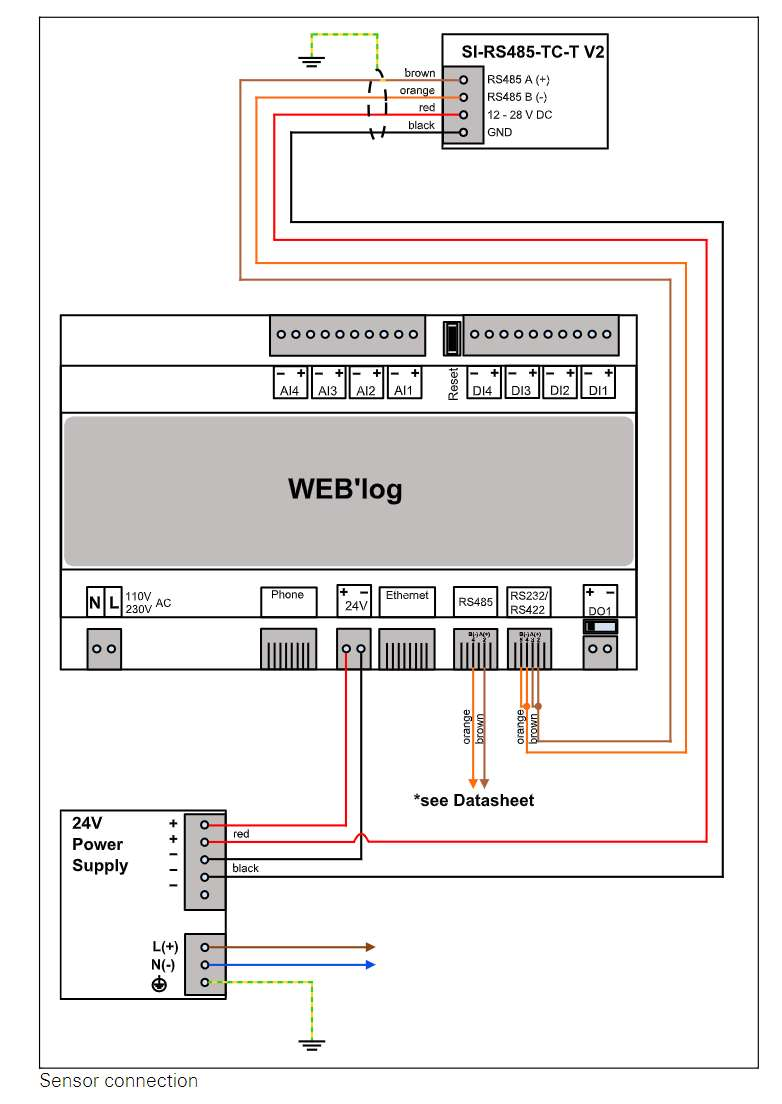
Bridge (since RS422 interface on WEB'log) pins 2 + 3 (RS485 A +) and pins 4 + 5 (RS485 B-). Set the DIP switch under the digital output (DO1) to the left position.
Select the sensor in the type list on the web interface (Admin measurement -> Modbus devices -> General configuration) or make the communication settings.
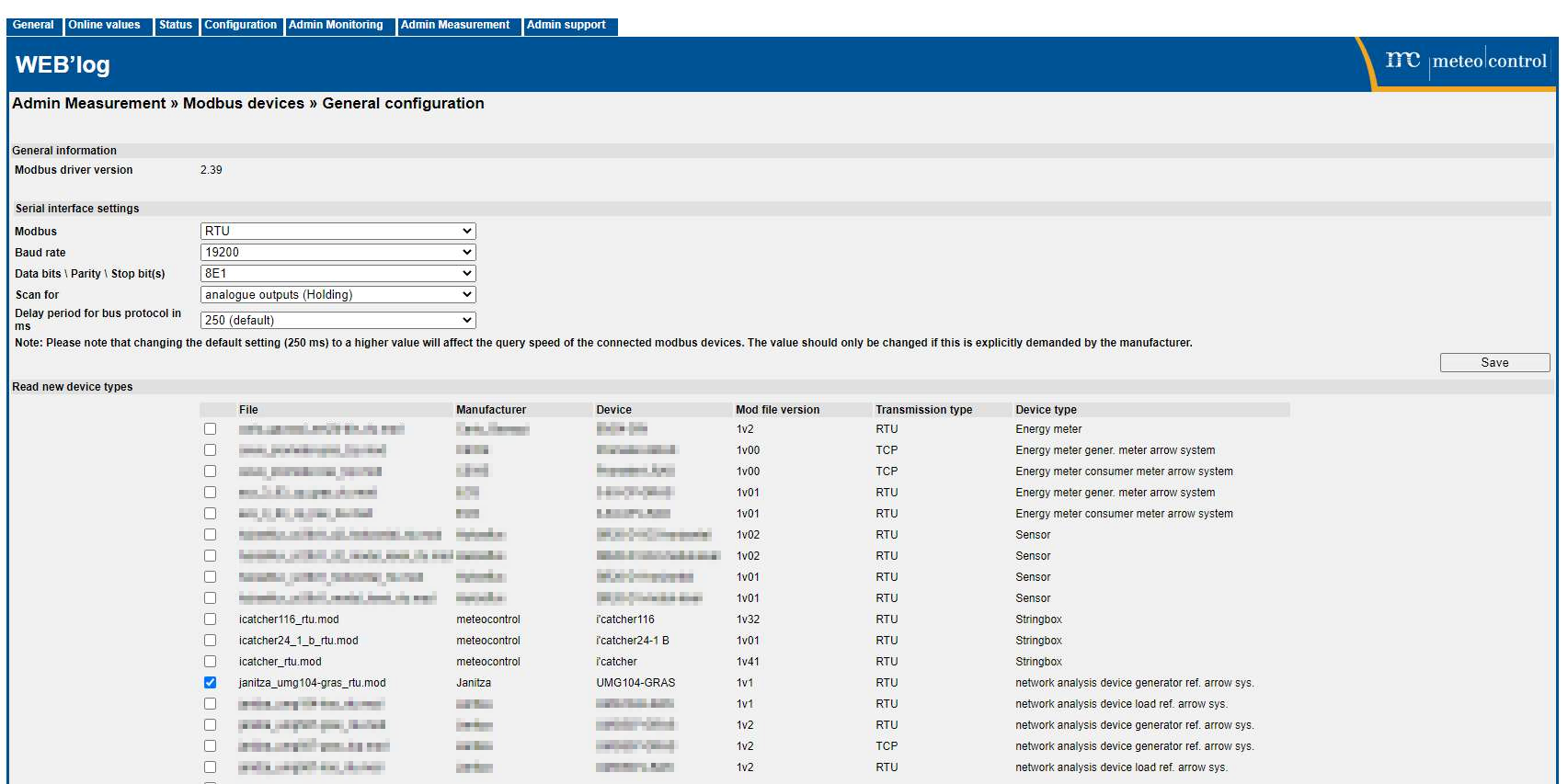
Scan the sensor under Admin measurement -> Modbus devices -> Device configuration, in the area "Scanning for serial devices".
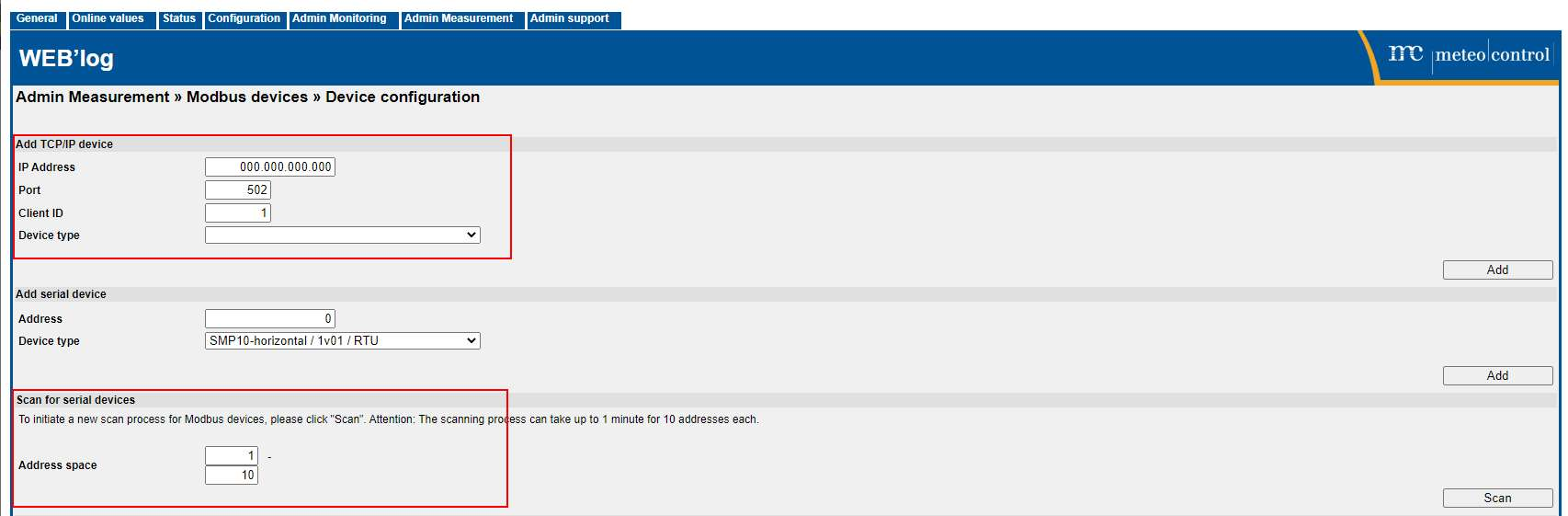
If everything is set correctly, the sensor appears in the Device configuration area.
Check the measured values under Online values -> Modbus devices.